
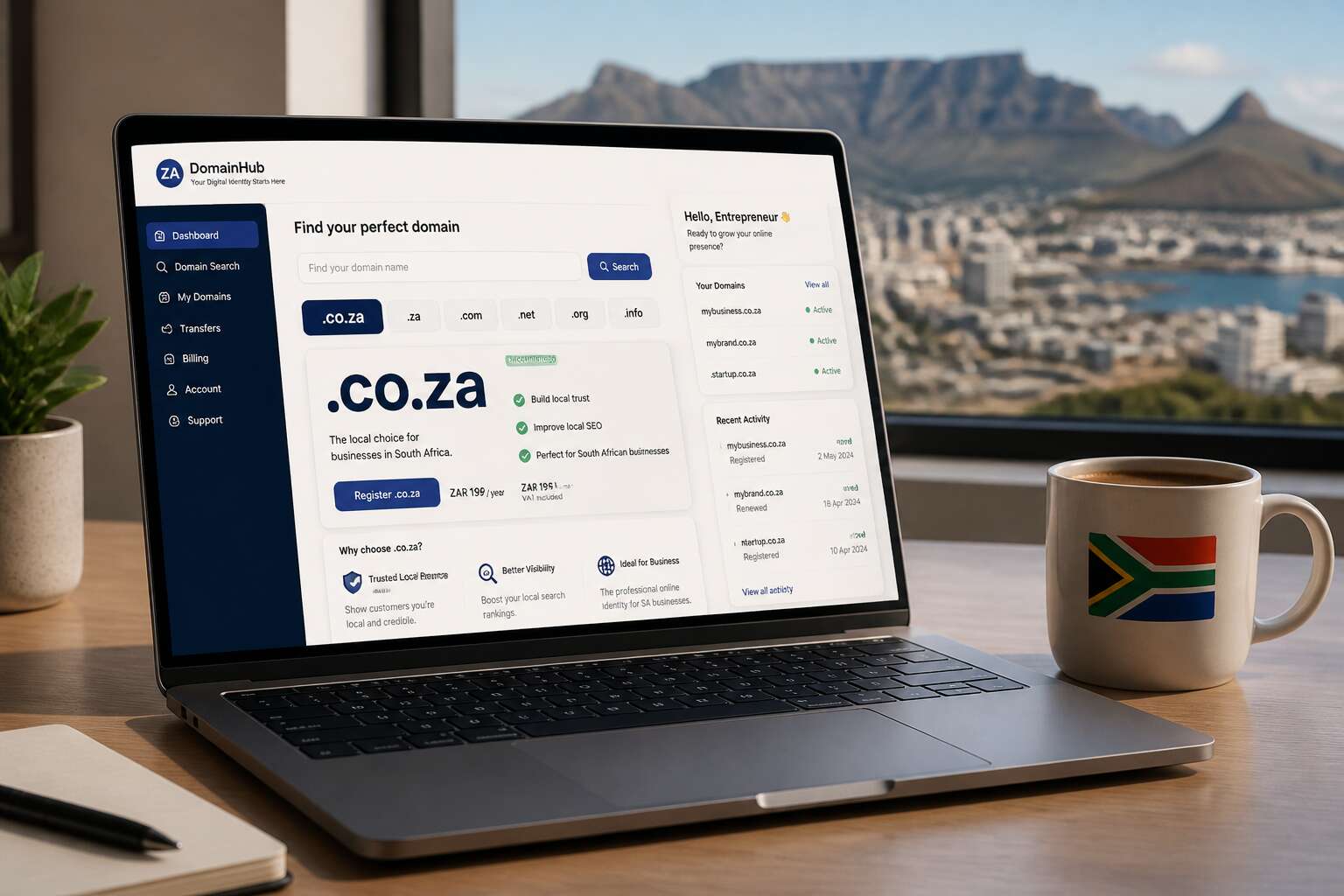
Understanding the South African Domain Landscape
What Is a Country-Code Top-Level Domain?
South Africa’s digital identity rests on a simple suffix: .co.za! This country-code top-level domain, or ccTLD, anchors local businesses in a global sea of URLs. I’ve watched countless firms wrestle with domain choices, but the answer often lies in understanding what a ccTLD truly does. A ccTLD is any two-letter domain tied to a nation, such as .fr for France or .br for Brazil. For South Africans, .co.za acts as a trusted marker of local presence. Search engines treat ccTLDs as strong geographical signals, boosting your visibility in regional results.
- .co.za for commercial entities
- .org.za for non-profits
- .web.za for general use
These variations let you tailor your domain strategy to your specific purpose. Still, .co.za registration remains the most common route for businesses seeking credibility. The landscape shifts regularly, yet the .co.za registration process stays straightforward and reliable. This ccTLD holds steady as a cornerstone of online trust in South Africa.
Why the Local Domain Is Important for Businesses
South Africa’s domain landscape is broad. It hosts established enterprises, township startups, and everything between. The domain you choose signals intent to customers before a single page loads. A .co.za registration tells local shoppers you are not an overseas operation. You are reachable, accountable, and built for this market.
Customers in South Africa type familiar endings without thinking. They scan search results for names that feel local. An international domain can confuse them or trigger suspicion about delivery, support, and legitimacy.
- Local customers trust a familiar suffix
- Regional search rankings improve
- The domain reinforces your business identity
Companies that delay registration often lose the exact domain their customers will type into a browser. Claiming your .co.za registration is a practical step, not a technical formality. It secures your place in the local online space.
Who Can Apply for This Domain?
The digital doors of South Africa open to a surprisingly wide circle. Anyone with a local connection can pursue a .co.za registration. You do not need to be a citizen or own a registered business. Individual South Africans, expats with a local address, and even international enterprises with a South African representative all qualify.
Eligibility is defined by reach, not paperwork. The registry keeps the process simple, focusing on a verifiable address rather than corporate status. A township entrepreneur, a freelance consultant, or a foreign investor team can all claim their corner of the local web. The only true barrier is demand. If someone else already holds the name, you must select another.
That is the whole test. Access is generous, but availability is finite. Your .co.za registration is one step away, provided no one else got there first.
Steps to Secure Your Domain Name
Eligibility Requirements and Accepted Registrants
Securing your .co.za registration demands precision and a quiet attention to the forms that grant you control over your chosen address. Every South African entity, whether a registered company or a solitary trader, must present verifiable documentation to the registrar. The names themselves carry weight, but only if you complete each step without hesitation. A .co.za registration asks for proof of your existence, both personal and commercial.
Eligibility rests on three components:
- Proof of identity, such as a South African ID or passport
- A valid business registration number, if you claim corporate ground
- Contact details that remain reachable through the dark hours
The registrar will examine your application with care. Once approved, your domain becomes yours, bound to your records with permanence. No foreign entity may claim this territory; only those anchored to South African soil may enter.
Choosing an Accredited Registrar
Choosing an accredited registrar is the first move that determines everything else. The ZA Domain Name Authority maintains a public list of registrars, and your .co.za registration must pass through one of them. Some registrars bundle hosting with domain management, while others focus purely on the name itself. Neither approach is wrong, but compare renewal fees before committing.
Once you select a registrar, confirm the domain is available. Most registrars offer a WHOIS lookup that reveals whether your desired name is taken. After that, the process moves fast!
- Complete the registrant details with your South African ID or passport number.
- Upload your supporting documents for verification.
- Pay the registration fee and wait for the activation email.
That email usually arrives within minutes, though verification can stretch longer. I have seen registrants lose their preferred names by stalling on these steps. The entire .co.za registration is built on this careful sequence, and each step protects the integrity of the namespace.
Searching for Availability and WHOIS Data
Did you know that most domain disappointments happen after the perfect name appears to be free? Then someone else grabs it during your verification process. Not on my watch.
The WHOIS lookup is your first detective tool. Type your desired name and observe the data. It shows the registrant, status dates, and whether the domain is parked or active. This information prevents dead-end negotiations with squatters or outdated records.
– Confirm the spelling of your proposed name
– Check for copyright conflicts with existing businesses
– Review the registration status and expiry date
While WHOIS offers a starting point, verification matters more. A name can show a pending delete status, hinting it might soon be available. This is where patience helps. However, do not stare at the search results forever.
The actual search on an accredited registrar’s site gives the definitive answer. After that, the real .co.za registration process begins. The verification step confirms your identity against the application data. This step takes minutes, but it is where perfectionists stumble. Also, do not use a temporary mailbox for the confirmation email, since activation depends on it.
Completing the Registration Order
I have watched registrations collapse in the final minutes, undone by a single mismatched field. The application process punishes haste. Your registrant name, postal address, and billing details must match what your payment provider holds on file. Anything less triggers manual review, adding days to a process meant to take minutes!
When completing the registration order, work through each section deliberately:
- Registrant organisation name, if you have one
- Administrative contact email address
- Billing and postal addresses
The registry validates every entry against its records. A typo invalidates the submission. Payment follows, and the accredited registrar forwards the .co.za registration to the registry’s provisioning system. Confirmation lands in your inbox, serving as your receipt and proof of ownership. That final email is the only signal you need.
Renewal, Transfer, and Management Best Practices
Understanding Domain Renewal Cycles
The .co.za registration renewal is a yearly ritual, like paying car insurance. Miss the date, and your domain enters a grace period that feels shorter than a Cape Town winter. Registrars usually send reminders, but don’t rely on a single email. Set auto-renewal, confirm your card works, and keep the budget line item visible.
A transfer, by contrast, requires deliberate steps:
1. Unlock your domain at the current registrar.
2. Request the authorisation code.
3. Initiate the transfer with your new provider.
Management best practices centre on your contact details. The email address on your WHOIS record receives critical notices. Update it when your staff changes. A stale mailbox is a common cause of accidental lapses. A locked domain prevents unauthorised changes, so enable that feature. Track every renewal, and your .co.za registration stays healthy.
Initiating a Transfer Between Providers
Starting a .co.za registration transfer feels less like paperwork and more like a logistical handover. The real work happens before you click anything. Your current registrar controls the domain, so unlock it first, then request the authorisation code. That code connects the old and new providers.
- Check the domain’s age. Transfers work best on domains older than 60 days.
- Keep your WHOIS email current. The new registrar sends confirmation links there.
- Wait out the grace period. Renewing just before a transfer avoids accidental lapses.
Renewal remains the baseline. A domain mid-transfer still needs its yearly renewal tracked, or the process stalls. Management best practices stay critical. A stale contact address, an unlocked domain, and a forgotten expiry date create avoidable failures. I keep a spreadsheet, but auto-renewal with a valid card works just as well. The .co.za registration only stays healthy when the transfer process and the renewal calendar run in parallel. Each transfer completes the cycle, and the .co.za registration keeps serving its purpose.
Configuring DNS and Hosting Settings
A .co.za registration means little until the domain points toward your servers. DNS configuration is where the street signs get erected. Without correct A records or CNAME entries, your web address leads nowhere. Hosting settings determine whether email flows properly and whether visitors reach your content. I always verify these settings immediately after a transfer completes.
Renewal stays the constant companion. A domain can be fully configured, yet a missed expiry undoes everything. Transfer adds motion to the process, but management holds the frame steady.
The practical steps remain straightforward:
– Confirm the nameservers match your hosting provider
– Double-check MX records for mail services
– Set auto-renewal with your registrar
Each setting and every renewal keeps the .co.za registration functioning as the stable foundation your business stands on.
Avoiding Common Pitfalls and Protecting Your Domain
Trademark Disputes and Cybersquatting Risks
Nobody registers a domain expecting a legal fight, but trademark disputes and cybersquatting risks are real for South African businesses. Someone else could claim your brand name or a close variation! The .co.za registration process does not automatically shield you from these threats. The registry follows a first-come, first-served model, meaning your claim depends on proving legitimate interest. I have seen businesses lose their online identity because they skipped the basic due diligence. The urge to secure a name quickly often overrides the need to verify existing rights. Squatters count on that impulse.
Consider the common pitfalls:
- Ignoring existing trademark searches before registration
- Registering variations of names that already belong to others
- Assuming registration equals legal ownership
A thoughtful .co.za registration requires checking the CIPC trademark database and monitoring expiring domains. Cybersquatters exploit hesitation. Acting with intent and proper documentation gives you the strongest position in any dispute.
Enabling Privacy Protection on Your Records
Anyone can look up your private information. The contact details attached to your .co.za registration are visible to anyone who queries the WHOIS directory. This transparency can invite unwanted attention. Enabling privacy protection on your records keeps your personal information away from the open internet. I always activate this setting before anything else.
Pitfalls appear when registrants ignore renewal reminders or let administrative contacts fall out of date. An expired email address can silence your alerts. A lapsed domain can disappear within hours. The system is unforgiving! Common oversights include:
- Entering inaccurate registrant names
- Using a shared mailbox for domain correspondence
- Disabling privacy protection to appear approachable
Small errors in these records become large problems later. The process rewards vigilance.
Setting Up Auto-Renewal and Payment Methods
A .co.za registration is only as secure as the payment method behind it. I have watched owners lose domains because a credit card expired and the registrar could not process the renewal. That single failure can take your site offline and leave your domain inaccessible. Set up auto-renewal properly:
- Use a dedicated card that will not expire without notice.
- Add a secondary payment method as backup.
- Check your billing dashboard every quarter.
Update your payment details before the card expires. Notify your registrar of any bank account changes. Keep your administrative contact current. A few minutes of admin work prevents a long recovery process. Neglecting these steps can cost you the domain.
Handling Domain Expiry and Grace Periods
Domain expiry is not an immediate loss. The registry holds the name in a grace period, usually around 40 days for .co.za. During this window, you can renew at the standard rate. After that, the domain may enter a redemption phase where recovery costs escalate sharply.
Owners often assume the registrar will send reminders. Email filters catch those notices, or the contact address is outdated. For any .co.za registration, the registrant email is the critical link. Check the WHOIS data and correct it immediately. A single typo can sever the connection between you and your domain.
Common pitfalls during this phase:
- Ignoring expiry notices from the registry or registrar.
- Assuming hosting providers manage renewals automatically.
- Waiting past the grace period, then facing higher fees.
Acting within the grace period keeps your .co.za registration intact. Treat the expiry date as a hard deadline, not a suggestion.
Navigating the South African Dispute Resolution Process
Expiry is only one threat. A stolen or contested domain can disappear quickly. If someone challenges your ownership, ZADNA’s Alternative Dispute Resolution process decides the outcome. This process favours clean records. Registrants who ignore the initial complaint often lose by default. The response window is short. Missing it forfeits your .co.za registration without a fight.
Protection starts before any dispute. Lock the domain at your registrar. Keep every invoice and email confirming ownership. Update your registrant details when anything changes. A paper trail decides who holds the legitimate claim.
Common pitfalls that surface during disputes:
- Treating the complaint as a bluff.
- Responding without legal review.
- Providing vague ownership proof.
- Missing the deadline entirely.
Each mistake narrows your options. The panel rules on evidence. Give them evidence in your favour. A defended .co.za registration survives the process.
Advanced Tips for Domain Portfolio Optimization
Choosing Additional Compatible Extensions
Securing your primary domain is only the first move in a longer strategy. The .co.za registration establishes your local identity, but adjacent namespaces demand attention. A business that ignores complementary extensions leaves openings for confusion, especially when customers guess your web address from memory.
Think about which other zones your audience might reasonably assume. A smart portfolio often includes a small set of supporting domains, each serving a distinct purpose.
- .africa signals continental ambition and blocks regional competitors
- .com captures international traffic and email reputation
- misspelled variants of your primary name prevent typosquatting
None of these should outshine your core .co.za registration. They should redirect cleanly to your main site, consolidating link equity and guiding visitors to the official destination. Registration costs for extras remain modest compared to reclaiming a name after someone else takes it. Assess each addition against actual business reach, not speculative fear. A lean portfolio outperforms a bloated one.
Enhancing Local Search With a Dedicated Domain
When a customer searches for a plumber in Durban, the domain you chose can decide whether they click you or a competitor. A dedicated domain built for local search, like durbanplumber.co.za, answers a specific query with more relevance than a generic homepage ever could. The .co.za registration you own is the primary name. Supporting domains should each serve one clear intent.
- A city and service pairing, such as johannesburgcleaning.co.za, answers a direct local query.
- Alternative extensions earn their fee only by protecting the brand or capturing typed traffic.
- A three month check confirms each domain maps to a live campaign.
Review your portfolio based on what searchers type, not what looks impressive. Redirect each secondary domain to the most relevant page on your main site. That consolidates signals and stops split authority. A small set of domains around the .co.za registration you already hold will outperform a scattered collection.
Configuring Professional Email and SSL Certificates
Over 80% of consumers check for the padlock icon before entering payment details. That makes SSL certificates an essential trust signal. Your .co.za registration is the foundation, but the certificate is the visible confirmation. A professional email address adds another layer. When an invoice arrives from [email protected] instead of a free webmail account, it reads as credible. Configuration is simpler than most owners assume. I have seen portfolios where the certificate list is longer than the actual asset list. Follow a clear sequence:
– Issue a certificate for each domain that hosts content
– Force HTTPS redirects across the entire site
– Create a mailbox on your primary .co.za registration
– Point secondary domains to that same mail server
Portal limits vary by registrar. Some bundle certificates and email into one plan. Others charge separately. Review your renewal invoice to see which option you selected. Many owners have been paying for email accounts they never created. Trim unused mailboxes and redirect them to a central address. Your portfolio becomes a single coherent system.
Monitoring Your Domain’s Performance and Security
Most owners check certificate status on a .co.za registration once and forget it. Resolvers do not forget. That single domain performs differently depending on resolver paths, hosting locations, and the age of your DNS cache. Page load times from multiple South African points of presence reveal latency issues. Comparing response headers across domains exposes configuration drift. I once found a secondary domain serving outdated TLS settings two months after the primary had been updated.
Security monitoring demands its own cadence. Registrar account activity, WHOIS modification logs, and auto-renewal failure records all deserve review. Anomaly patterns emerge when you examine the data consistently:
- Certificate expiry clusters across multiple domains
- DNS record changes outside business hours
- Login attempts from foreign IP ranges
These signals rarely announce themselves. They surface through steady observation of your .co.za registration ecosystem.



0 Comments